

To assess How To Get Suggested Video Traffic On YouTube, check the Reach tab’s “Traffic source: Suggested videos” card and use Analytics reports to review impressions, resulting views, watch time, and audience retention. Typical retention can compare a video with your latest videos of similar length. The available evidence doesn’t establish which measures cause YouTube to recommend a video.
- Suggested videos traffic includes recommendations shown next to or after other videos, as well as links in video descriptions.
- The Reach tab’s “Traffic source: Suggested videos” card shows specific videos contributing Suggested videos traffic.
- The impressions report shows thumbnail impressions, views resulting from those thumbnails, and watch time from those views.
- Typical retention can compare a video with the creator’s latest videos of similar length.
What does “Suggested videos” traffic mean on YouTube, and where do those video recommendations appear?
Suggested videos traffic comes from recommendations shown next to or after other videos, and from links in video descriptions. Those are the placements supported here; the available information doesn’t specify other recommendation surfaces or how recommendations are selected.
Getting suggested video traffic starts with identifying that source rather than assuming every recommendation is the same. Earning more suggested traffic also means keeping the definition narrow: the evidence names recommendations beside or after videos and description links. If you’re asking how to get suggested video traffic, use Analytics to check whether views are attributed to this source before drawing conclusions about your video’s reach.
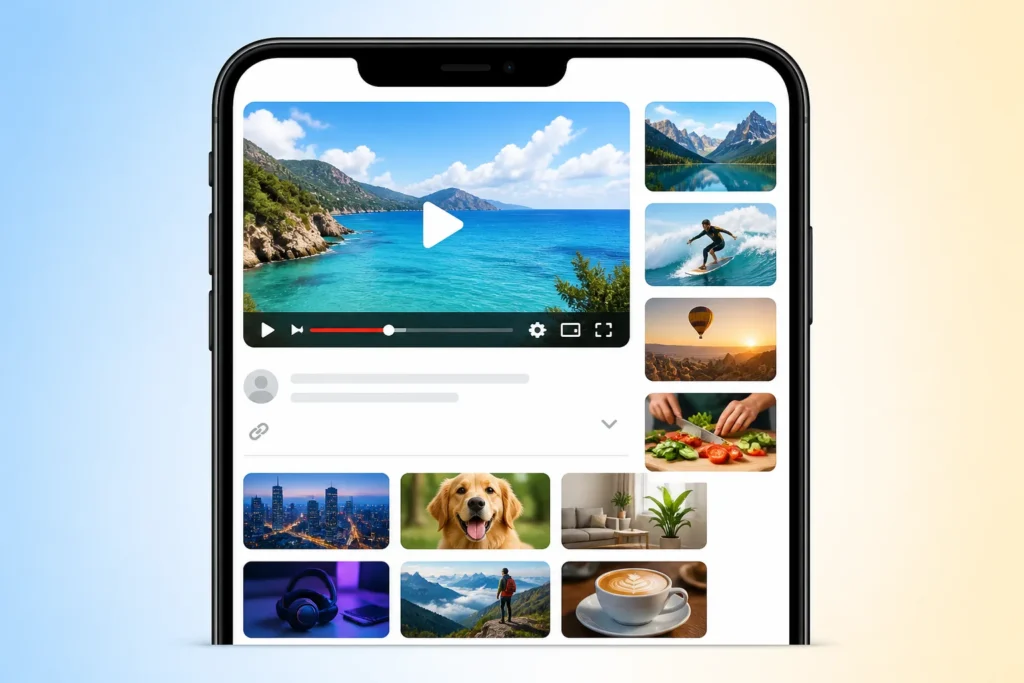

How can you identify suggested-video traffic and measure its performance in YouTube Analytics?
YouTube Analytics identifies Suggested videos traffic in the Reach tab’s “Traffic source: Suggested videos” card, which shows specific videos contributing that traffic. The “How viewers find your videos” report also lists discovery sources, including Suggested videos.
To understand the numbers, open the impressions report. It shows thumbnail impressions, how often those thumbnails resulted in a view, and how those views led to watch time. Growing suggested video traffic becomes a measurement question here: check the source, then examine the reported impressions and resulting views. This kind of growth also requires separating discovery from performance; the report describes what happened, not why. For more suggested traffic, compare what Analytics reports over time, without treating a change in one measure as proof of a recommendation cause.
Which metrics—such as click-through rate, watch time, and viewer retention—affect whether YouTube recommends a video?
YouTube Analytics reports several video measures, but the available evidence doesn’t establish which measures cause YouTube to recommend a video. The Videos key metrics card displays views, average view duration, impressions, and impressions click-through rate.
The audience retention report shows how well different moments of a video held viewers’ attention. That can help you inspect viewing behavior, but it doesn’t prove that retention, watch time, or click-through rate caused Suggested videos exposure. Getting suggested video traffic should therefore begin with measurement, not a promise about an algorithm. For suggested video traffic growth, review the reported measures together and describe observed patterns carefully. Earning more suggested traffic cannot be reduced to a confirmed formula from these Analytics definitions alone.

How To Get Suggested Video Traffic On YouTube: How should you optimize thumbnails, titles, and video openings to earn more clicks and keep viewers watching?
The available evidence lets you measure thumbnail impressions, resulting views, watch time, and audience retention, but it doesn’t establish which thumbnail, title, or opening choices cause recommendations. The impressions report shows thumbnail impressions, how often they resulted in a view, and how those views led to watch time.
The Videos key metrics card includes impressions click-through rate and average view duration. Audience retention shows which moments held viewers’ attention. Growing suggested video traffic can be treated as a test: observe these measures after a change, without assuming the change caused any difference. This kind of growth is not supported here as a recipe for thumbnail design or title wording. For more suggested traffic, use retention to locate moments viewers stayed attentive, while treating any interpretation of thumbnails, titles, or openings as something the reports alone cannot prove.
How can consistent topics, playlists, and end screens encourage viewers to watch more videos from your channel?
YouTube labels traffic from creator end screens as “End screens” traffic. Playlist traffic includes views from any playlist containing one of your channel’s videos, whether you or another creator made that playlist.
Those labels help you distinguish traffic sources in your reporting. They don’t establish that consistent topics, playlists, or end screens directly increase Suggested videos recommendations. Getting suggested video traffic should not mean treating an End screens or playlist view as proof of a Suggested videos boost. Earning more suggested traffic can involve checking which source actually brought a view, then keeping the labels distinct in your interpretation. For suggested video traffic growth, the supported next step is to review the source data; the effect of topic consistency or encouraging viewers to continue watching remains unknown from the available evidence.

Can external or paid traffic increase suggested-video recommendations, and what risks or trade-offs should you consider?
The Organic & paid traffic filter distinguishes unpaid traffic from traffic from paid advertisements. Follow-on Views are organic views received when someone watches videos after seeing promoted content.
These definitions let you separate categories in reporting, but they don’t show that paid promotion guarantees Suggested videos exposure. The available information also doesn’t establish specific risks, trade-offs, or recommendation effects for paid or external traffic. Growing suggested video traffic should include checking whether a view came from an advertisement or was an organic Follow-on View, rather than blending the two. This kind of growth cannot be treated as a guaranteed result of promotion. If you’re evaluating more suggested traffic, use the filter to distinguish what Analytics reports and avoid claiming an outcome the evidence doesn’t establish.

How can you test changes to a video and use Analytics to improve its suggested-video traffic over time?
Typical retention lets you compare a video with your latest videos of similar length. YouTube Studio’s expanded insights report can provide specific data, performance comparisons, and data exports for review.
Start by checking the Reach tab’s “Traffic source: Suggested videos” card for contributing videos. Then review the available video measures, including views, average view duration, impressions, and impressions click-through rate. Getting suggested video traffic is a process of checking observed changes against these reports, not assuming a gain is guaranteed. Earning more suggested traffic also means keeping the comparison relevant by using similar-length videos for typical retention. For suggested video traffic growth, record what changed and what Analytics shows; the reports support assessment, but they don’t establish that a particular change caused more recommendations.

Principali punti chiave
- Use the Reach tab’s Suggested videos card to identify contributing videos.
- Use the “How viewers find your videos” report to review discovery sources.
- Read thumbnail impressions, resulting views, and watch time together in the impressions report.
- Use audience retention to inspect how well different moments held viewers’ attention.
- Treat Analytics comparisons as evidence of observed changes, not proof of guaranteed recommendation gains.
- Track suggested video traffic in the Reach tab and build related videos that viewers want to watch next.
Domande frequenti
How do you get your YouTube video at the top of the search?
The available information doesn’t establish how to get a video to the top of YouTube search. YouTube Analytics can show discovery sources, including Suggested videos, but that report doesn’t establish search-ranking factors.
How do I turn on recommended videos on YouTube?
The available information doesn’t say how to turn recommended videos on. It defines Suggested videos as recommendations shown next to or after other videos, and links in video descriptions.
How to get video analytics on YouTube?
In YouTube Analytics, check the Reach tab’s “Traffic source: Suggested videos” card to see contributing videos. The “How viewers find your videos” report also shows discovery sources, including Suggested videos.
How do you drive traffic to your YouTube channel?
The available information doesn’t establish which tactics drive more channel traffic. You can use the Organic & paid traffic filter to distinguish unpaid traffic from traffic from paid advertisements.




 English
 Español
 Deutsch
 Français
 Italiano
 العربية