
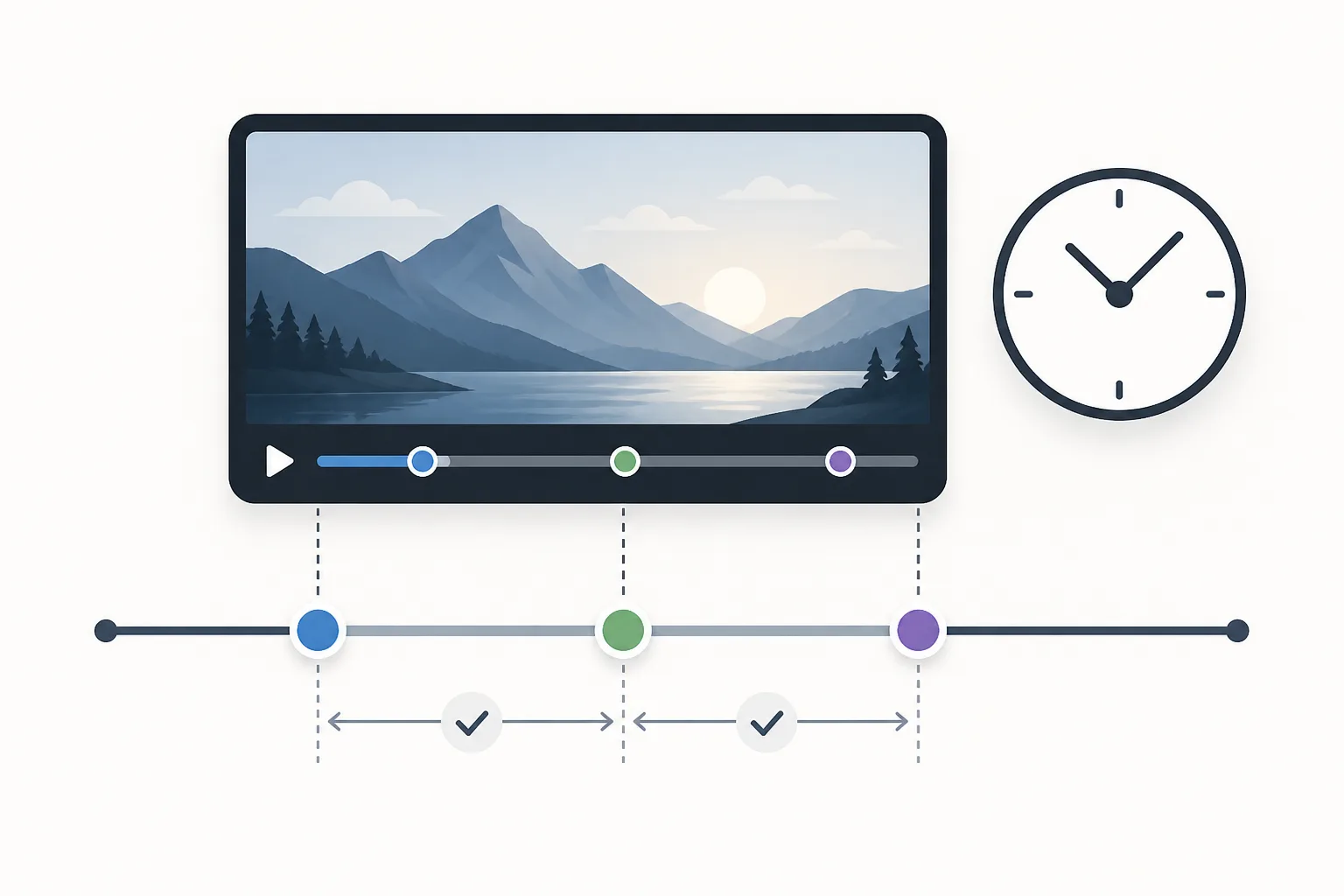
You can add YouTube chapters by placing timestamps and titles in a video’s description, using YouTube Studio to reach the video you want to edit. A manual list must start at 00:00, include at least three timestamps in ascending order, and give each chapter a minimum length of 10 seconds. Adding chapters to YouTube videos is a setup guide, not evidence of ranking gains.
- Each YouTube chapter has an individual preview.
- Manual chapters are added as a list of timestamps and titles in the video description.
- The first timestamp in a manual chapter list must start with 00:00.
- Each YouTube chapter must be at least seconds long.
- Manual chapters override automatic video chapters.
What are YouTube video chapters, and how do they appear to viewers?
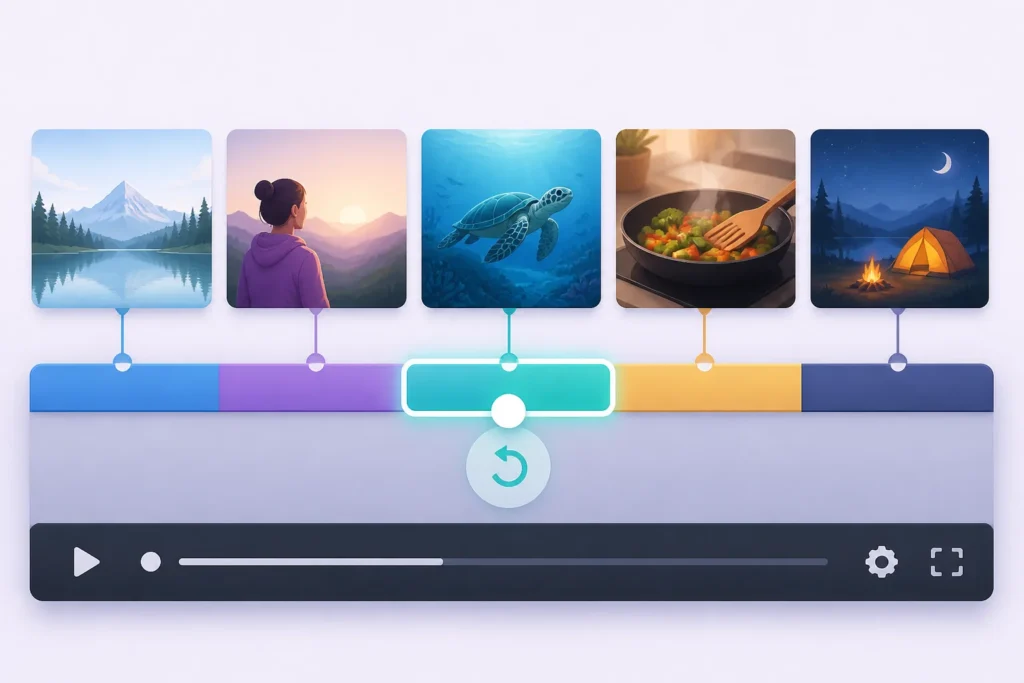
YouTube video chapters divide a video into sections, and each section has an individual preview. The phrase adding chapters to YouTube videos describes a setup question; the supported definition is about sections and previews, not a promise about search performance.
YouTube says chapters add information and context to portions of a video and let viewers rewatch different parts. That gives viewers a way to navigate to a portion they want to revisit. Using video chapters for SEO should therefore be understood first as a guide to chapter setup and navigation.
Chapters may also appear in video transcripts. The available claims don’t say how often that happens or what determines transcript appearance. Adding chapters to your YouTube videos doesn’t establish additional display behavior beyond these points.

What requirements must timestamps meet for YouTube to recognize manual chapters?
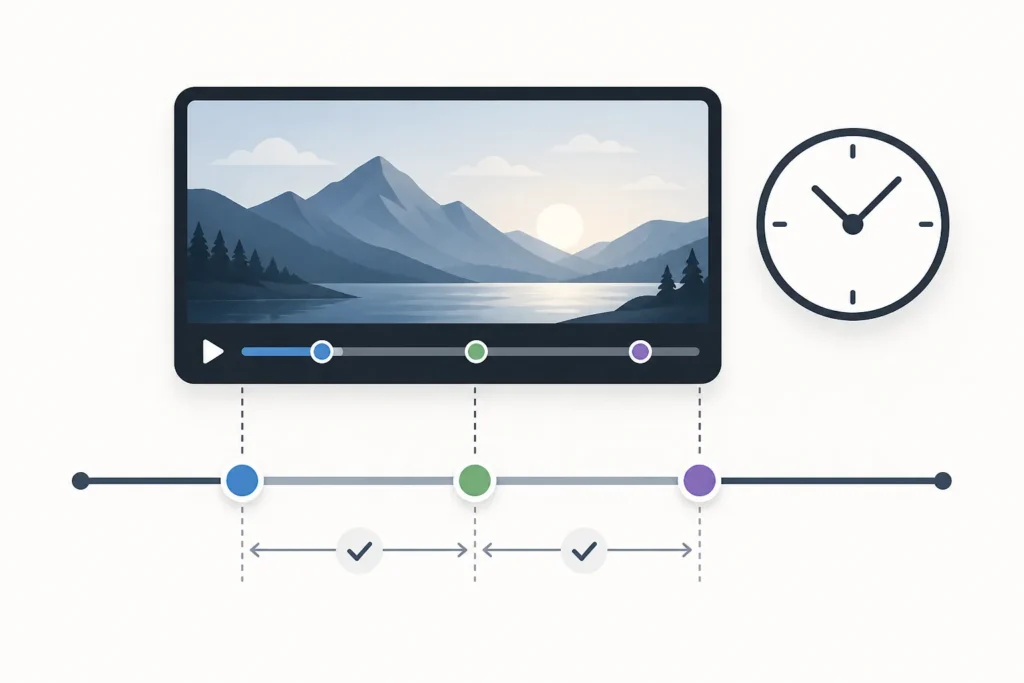
YouTube’s stated manual chapter rules require the first timestamp to start at 00:00, at least three timestamps in ascending order, and a minimum chapter length of 10 seconds. Those are the supported checks to apply before using a timestamp list. Chapter setup starts with meeting these explicit requirements.
Check that your list begins at 00:00, contains three or more timestamps, and keeps them in ascending order. Then make sure no chapter is shorter than 10 seconds. The phrase How To Add Chapters To YouTube Videos For Better SEO doesn’t supply a complete timestamp-format template, and the available claims don’t specify one.
So, don’t infer extra formatting rules from this guidance. Adding chapters to YouTube videos can be answered here only with the requirements listed above; any additional format details remain unknown from the available claims.
When should a creator add chapters, and when might chapters not be useful?
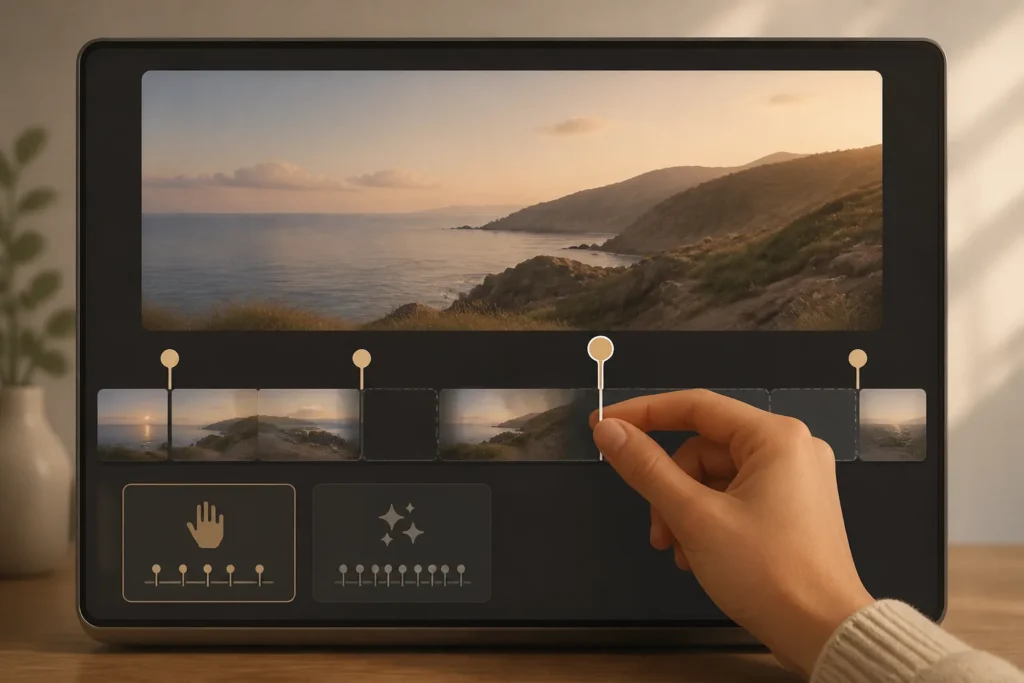
Manual chapters override automatic video chapters. If you add your own timestamp list, the available guidance says the manual version takes precedence. Using video chapters for SEO is therefore also a choice between relying on automatic chapters and supplying a manual list.
The automatic-chapters option is checked by default for new uploads. However, not every video is eligible, and some eligible videos won’t receive automatic chapters. Adding chapters to your YouTube videos can’t assume an automatic chapter list will appear for any particular upload.
The available claims don’t establish which video types benefit from chapters or when they might be unnecessary. They also don’t support recommending chapters specifically for tutorials, interviews, or other formats. Consider only what is known: manual chapters override automatic ones, while automatic availability isn’t guaranteed. Chapter setup doesn’t offer a supported rule for deciding which videos need chapters.

How To Add Chapters To YouTube Videos For Better SEO: How do you add or edit chapters in a YouTube video’s description?
You add manual YouTube chapters by placing a list of timestamps and titles in the video’s description. To reach that description, sign in to YouTube Studio, select Content, and click the video you want to edit. Adding chapters to YouTube videos can be reduced to these supported actions, without adding unverified steps.
- Sign in to YouTube Studio.
- Select Content.
- Click the video to edit.
- Aggiungi a list of timestamps and titles in its description.
The available claims don’t describe a save button, a publishing step, or a verification process, so this guide doesn’t add one. Using video chapters for SEO covers only the documented route and the description-based chapter list.
How can chapter titles and timestamps help a video’s SEO and search visibility?
YouTube chapters add information and context to portions of a video and let viewers rewatch different parts. A manual chapter list uses timestamps and titles in the video description. Adding chapters to your YouTube videos can support an explanation of that navigation benefit, but not a claim about improved rankings.
Chapters may appear in video transcripts. The available claims don’t establish whether or when chapter information appears in Google Search, what might affect that display, or whether chapters change video SEO. Chapter setup should not be read as evidence of a Google Search outcome.
Use the supported claims to describe what chapters do inside the video and where they may also appear. Any effect on search visibility remains unknown here. Adding chapters to YouTube videos doesn’t establish a ranking benefit, a display rule for Google Search, or a measurement result.


What mistakes can prevent chapters from appearing or make them less effective?
Check the timestamp rules first: begin with 00:00, include at least three timestamps in ascending order, and make each chapter at least seconds long. Using video chapters for SEO should include these as a checklist, rather than treating other unverified formatting ideas as rules.
- Start the first timestamp at 00:00.
- Include at least three timestamps and put them in ascending order.
- Keep each chapter at least seconds long.
YouTube says chapters are unavailable when a channel has active strikes or when content may be inappropriate to some viewers. Adding chapters to your YouTube videos can’t identify additional reasons chapters might fail to appear, because the available claims don’t establish any others. Avoid assuming a specific cause beyond the stated rules and restrictions.
How should chapter titles be written to help viewers find specific information and understand the video’s content?
A manual chapter list contains timestamps and titles in the video description. YouTube says chapters add information and context to each portion of a video and let viewers rewatch different parts. Chapter setup can support that connection between chapter information and viewer navigation.
The available claims don’t specify title-writing best practices, keyword use, or how to reflect search intent in chapter titles. They don’t establish that keyword placement improves SEO. Adding chapters to YouTube videos therefore can’t responsibly present keyword advice as a confirmed rule.
You can keep the supported purpose in mind: titles are part of the manual chapter list, while chapters provide context and help viewers return to portions of the video. Beyond that, the available guidance leaves title style open. If you’d like help reviewing your channel, you can request a free YouTube channel audit from DigiSphere.

Principali punti chiave
- Add manual chapters as timestamps and titles in the video’s description.
- Reach the video description by signing in to YouTube Studio, selecting Content, and clicking the video.
- Start the manual chapter list at 00:00 and include at least three timestamps in ascending order.
- Make each chapter at least seconds long.
- Remember that manual chapters override automatic video chapters.
- Add chapters to YouTube videos longer than a few minutes and give each one a clear, descriptive label.
Domande frequenti
How do I add chapters to my YouTube video?
Add manual chapters by putting a list of timestamps and titles in your video’s description. In YouTube Studio, sign in, select Content, then click the video to edit.
Qual è la seconda regola YouTube?
The available claims don’t establish a 30-second rule. They specify that each YouTube chapter must be at least seconds long.
Quanti visualizzazioni devo ottenere per raggiungere i $10.000 al mese YouTube?
The available claims don’t specify how many views you’d need to earn $10,000 a month, so no supported view count can be given.
How to do SEO on YouTube?
The available claims cover chapter setup, not a complete YouTube SEO process. They support adding timestamp-and-title lists in your video description, but don’t establish how chapters affect video SEO.




 English
 Español
 Deutsch
 Français
 Italiano
 العربية